Collision Command Center: body shop management system and software. Run your shop
like a machine.
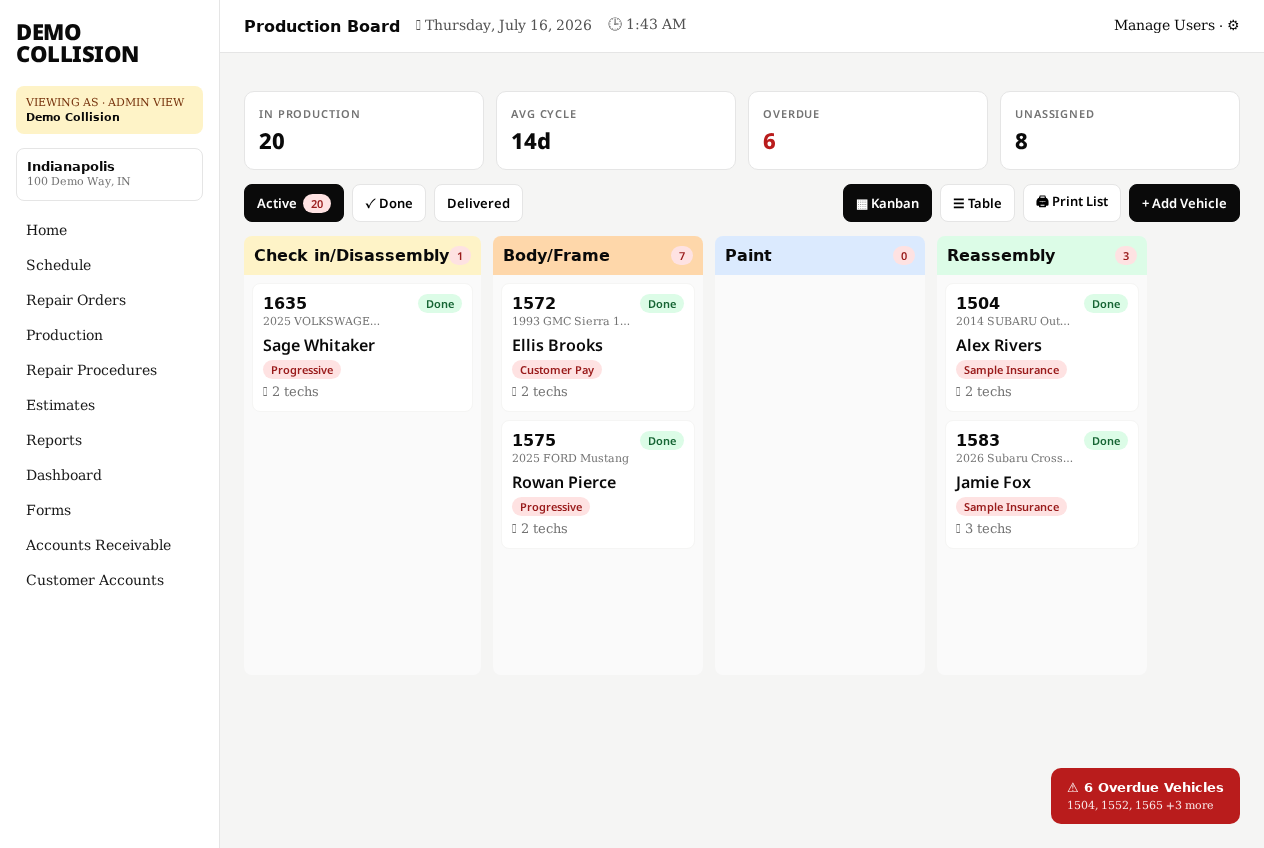
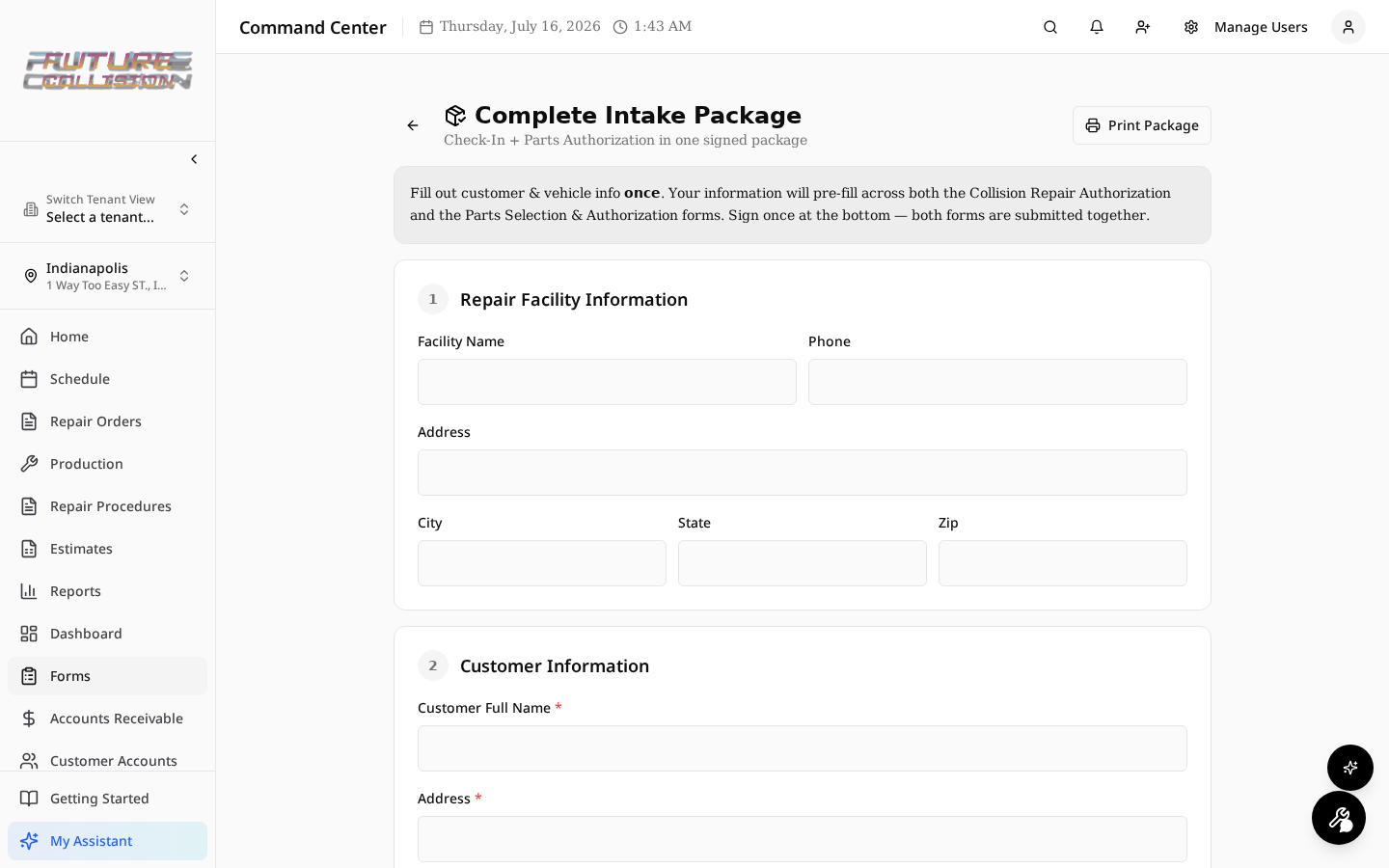
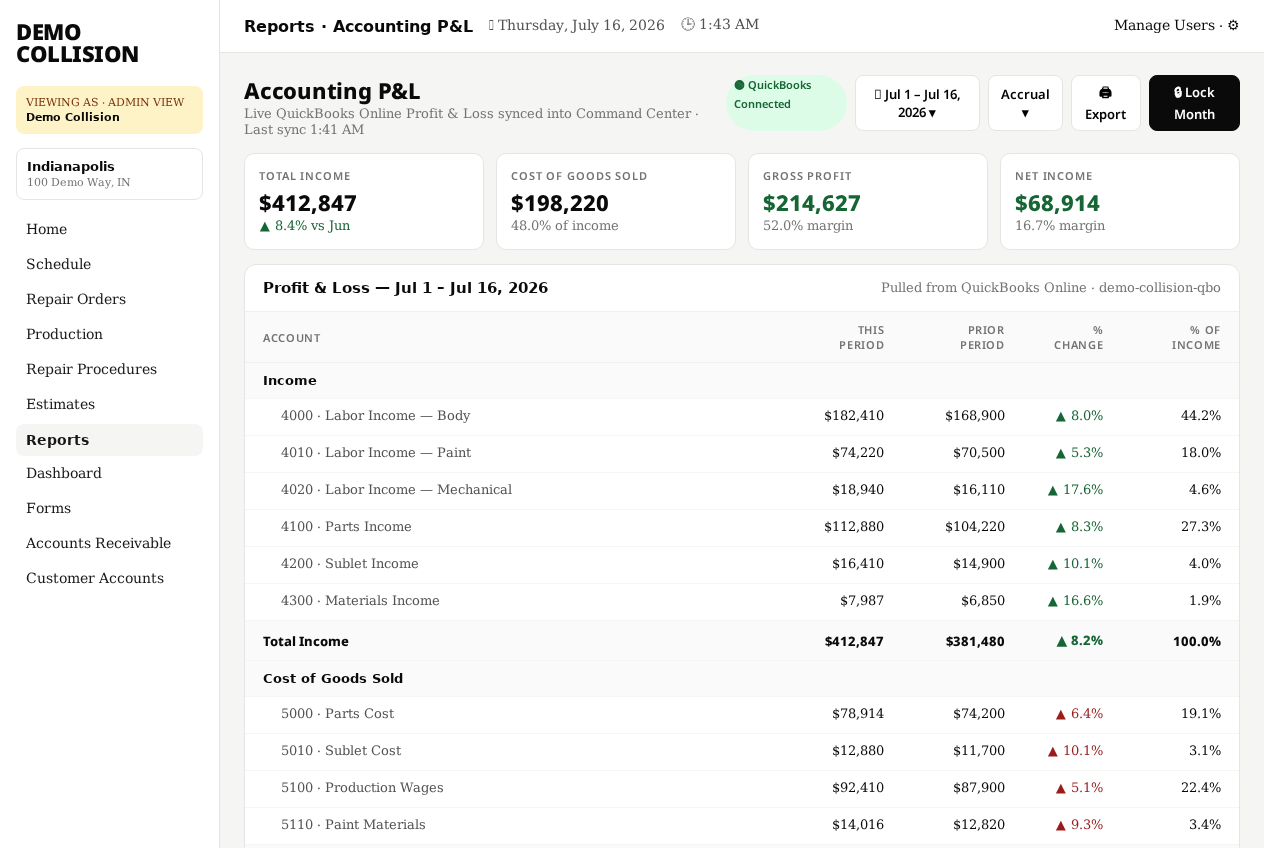
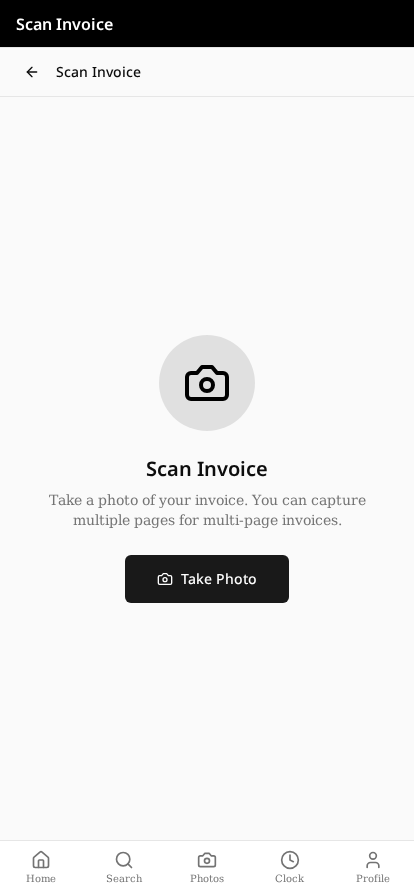
The all-in-one body shop management system and collision repair software — scheduling, repair orders, production boards, payroll, live QuickBooks P&L, AI invoice scan, and mobile-first tools for every seat in the shop.
See it in action.
Watch Command Center handle a real shop day.
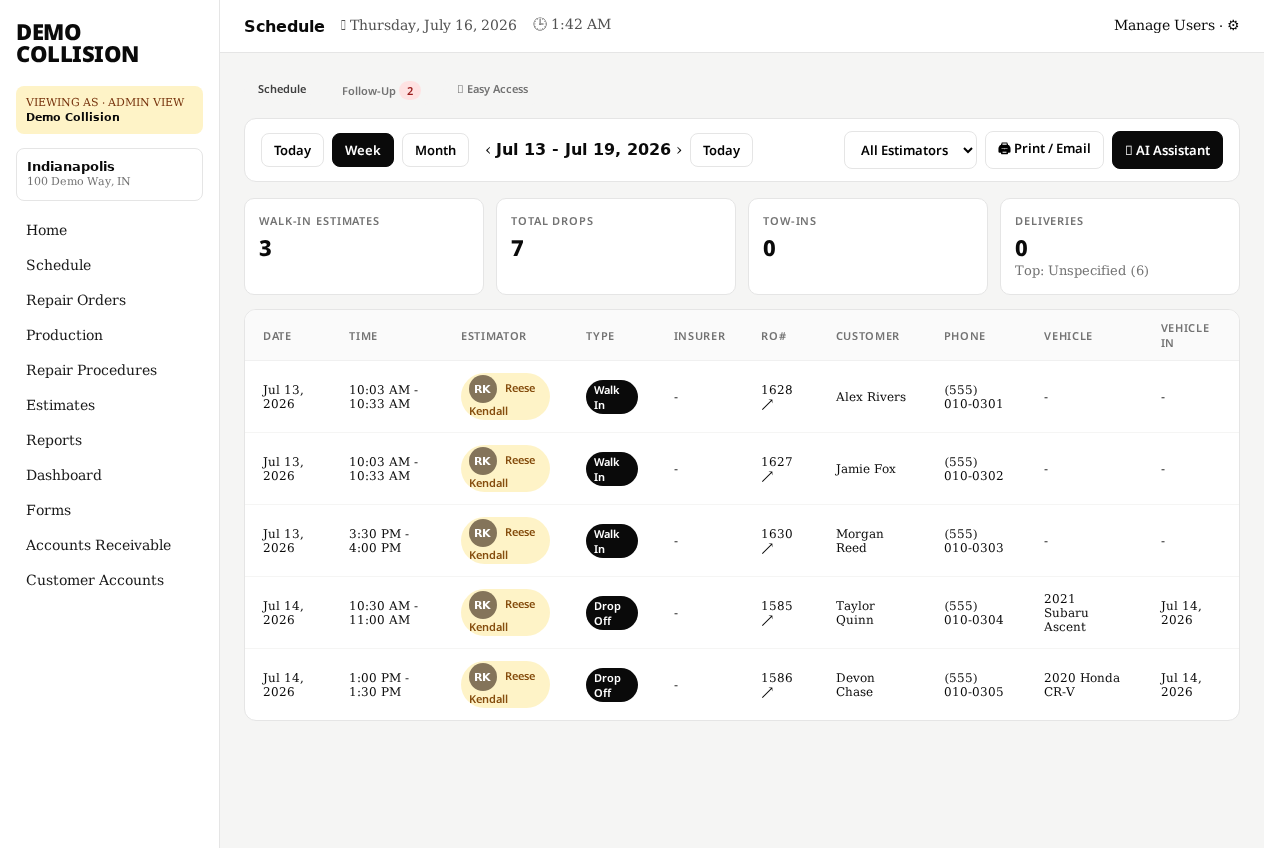
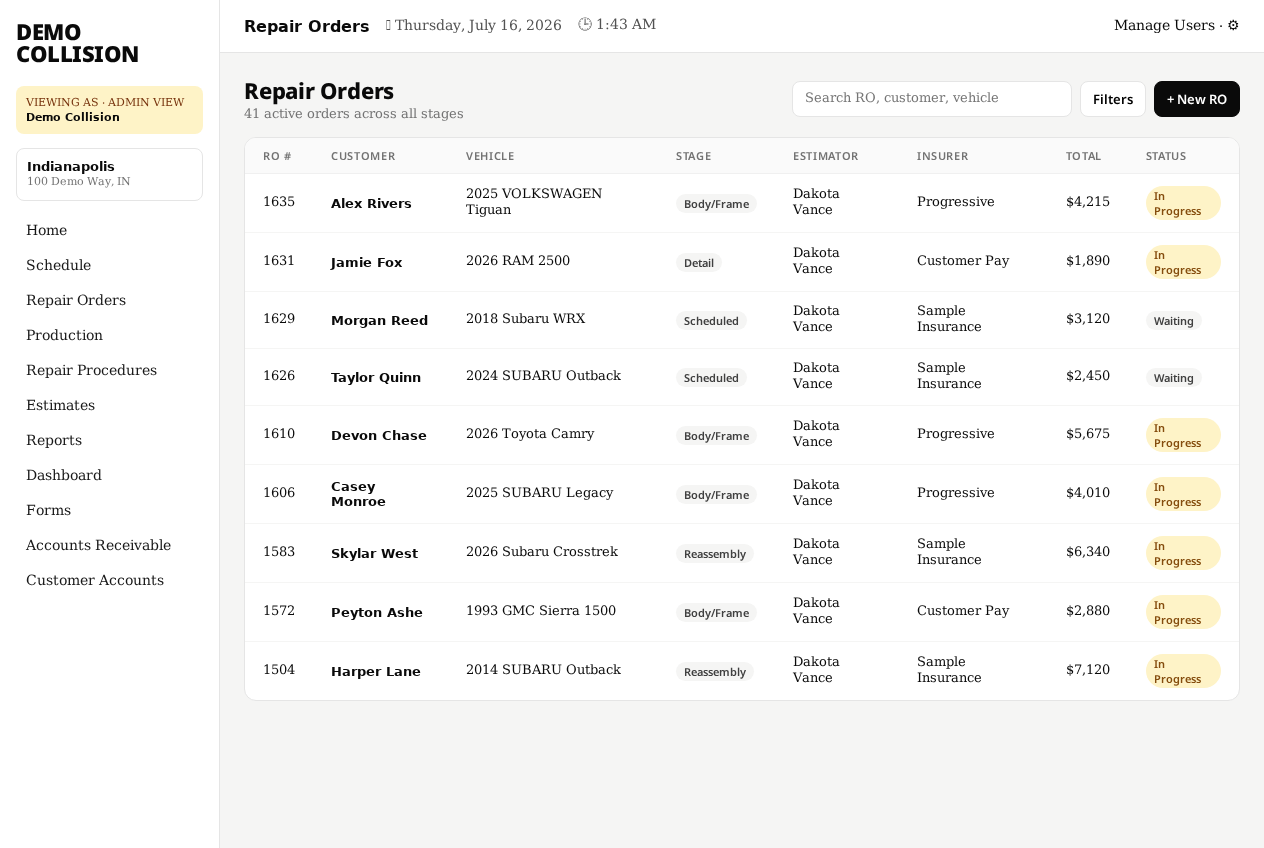
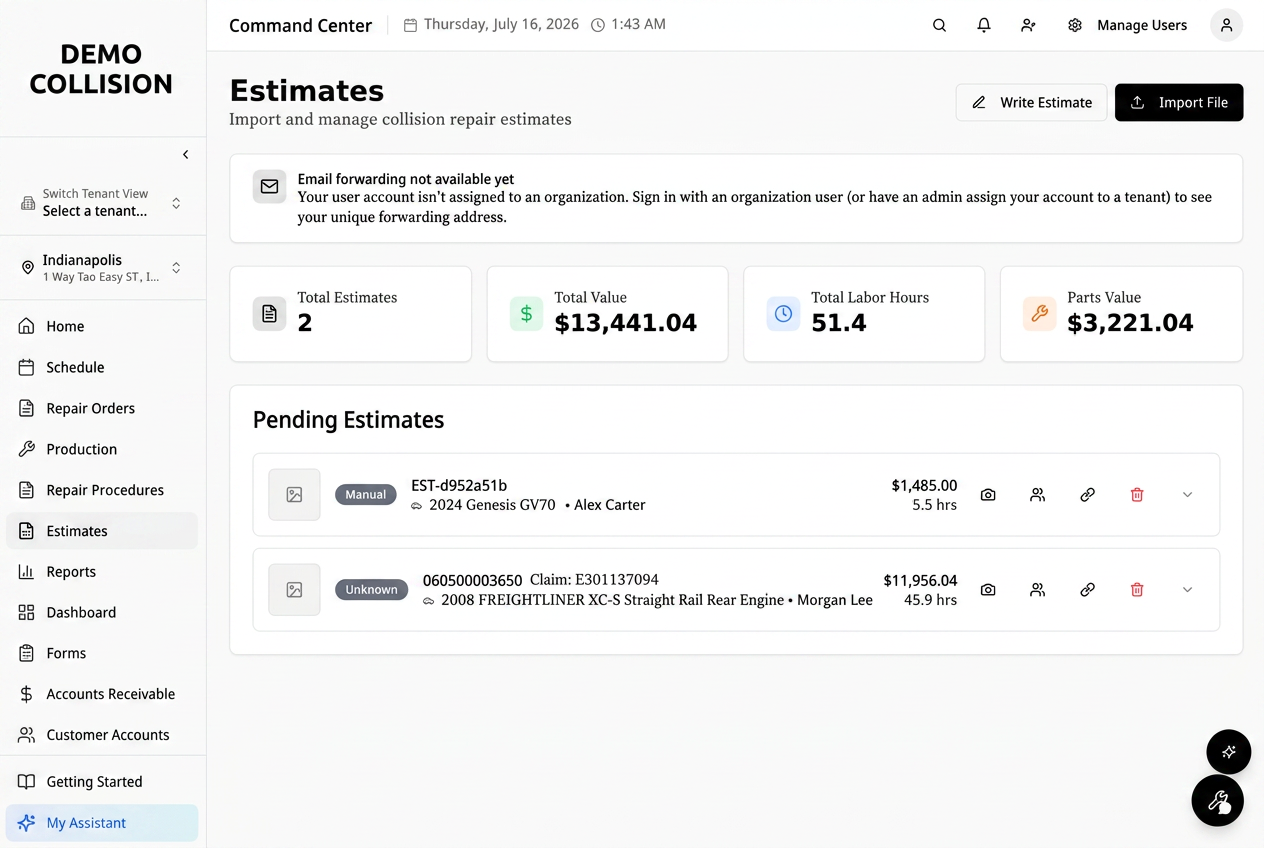
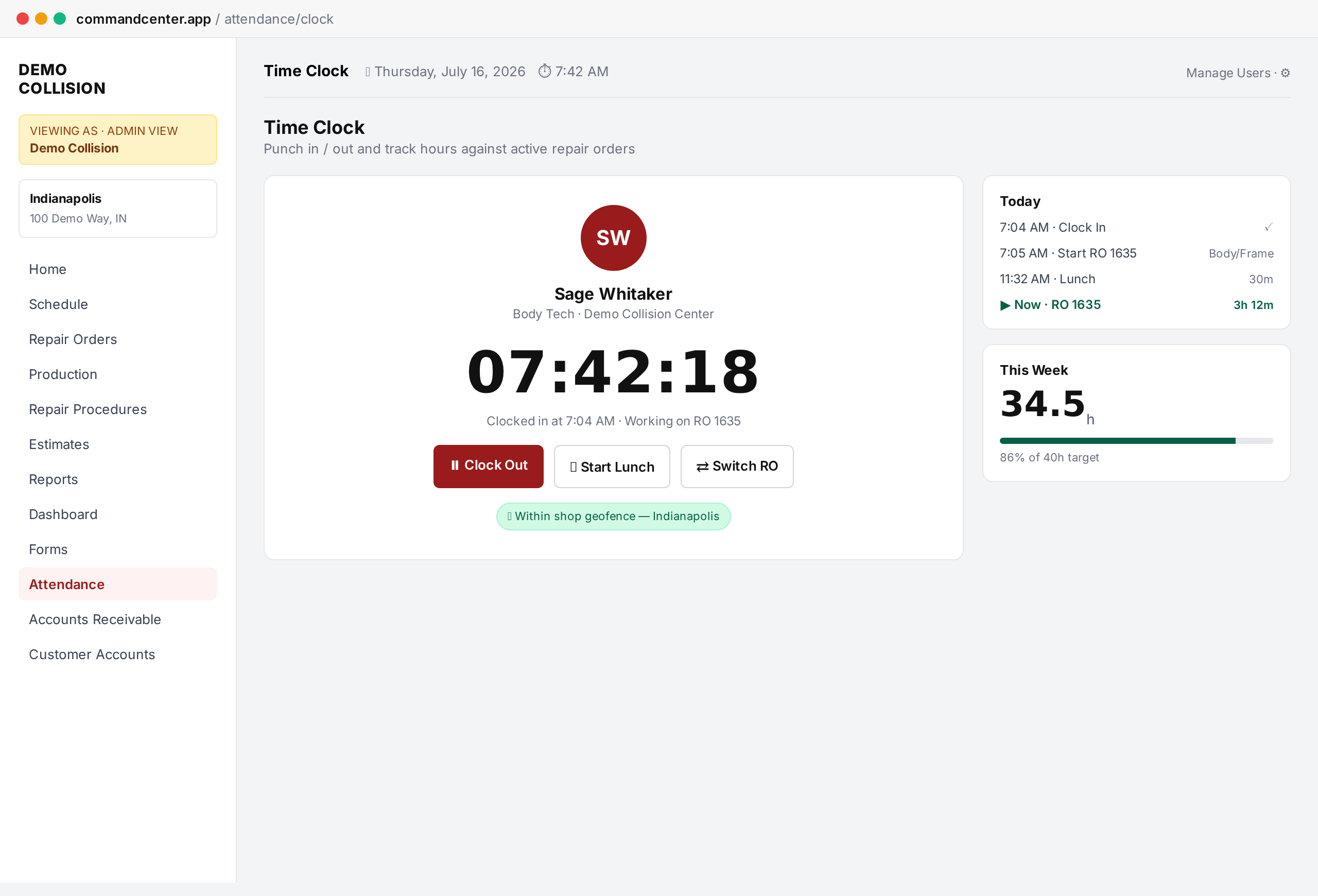
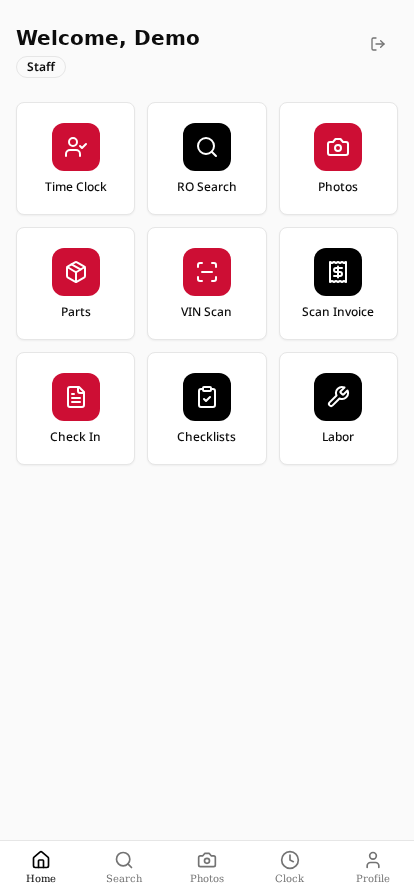
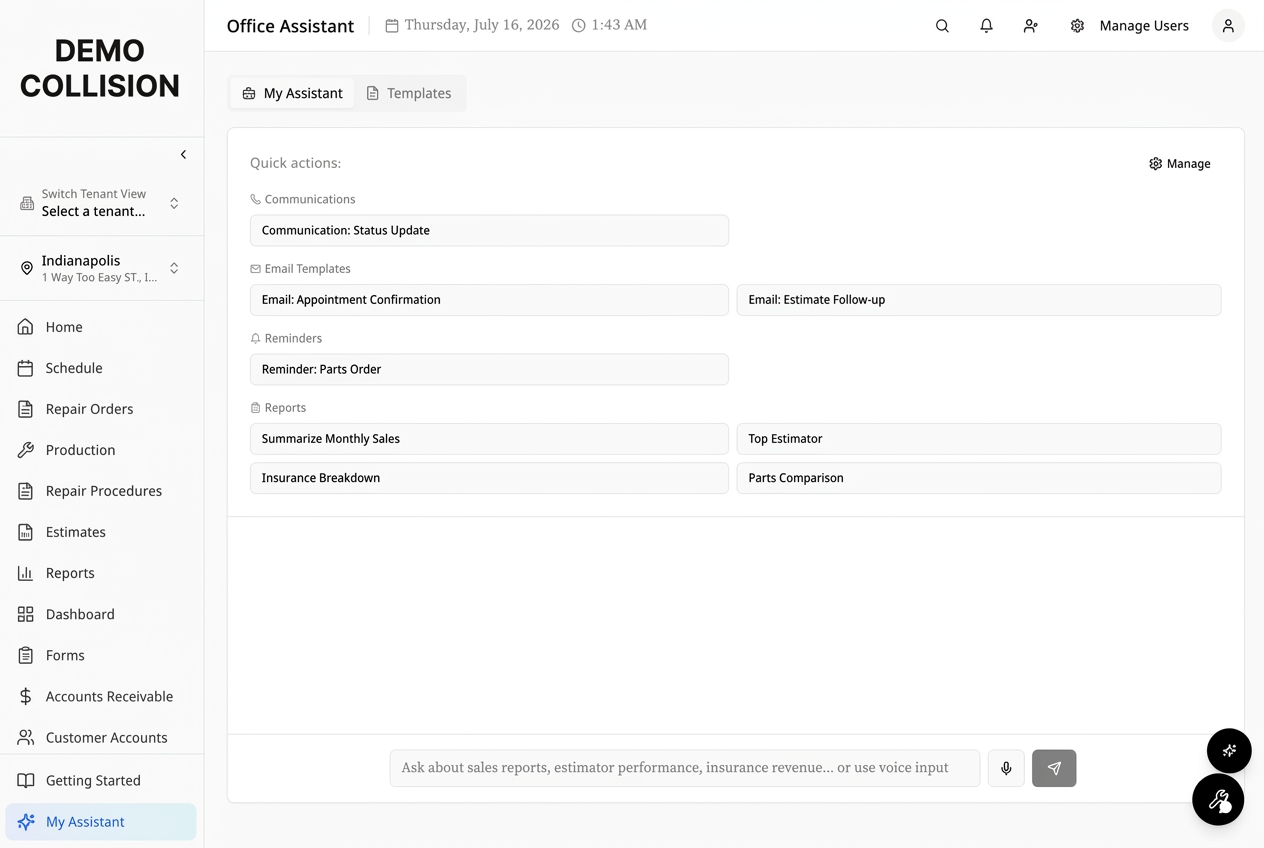
What other systems don't have.
Command Center isn't just another body shop management software. It's the collision repair software features you've been asking for — finally built in.
Tap any tile to see it inside Command Center →
Shops that switch see results fast.
Starter Add-Ons
Extend your Starter plan with powerful integrations.
QuickBooks Integration
Sync invoices, payments, and customer data with your QuickBooks account automatically.
Stripe Payments
Accept credit card payments in-shop and online with seamless Stripe processing.
Customer Portal
Give customers real-time repair status updates, approvals, and invoice history.
All add-ons are included free with the Pro plan.
Communications Add-On
SMS, MMS & Voice AI for customer updates
When SMS, MMS & Voice AI Communications launches, Pro plan pricing will increase. Compliance, per-message & per-minute charges will also apply. Stay tuned for details.
- SMS & MMS customer updates from Repair Orders
- Automated stage-change text notifications
- Voice AI for inbound & outbound calls
- Pre-built message templates + custom compose
Simple, transparent pricing
14-day free trial on every plan. No surprise fees.
Starter
Everything you need to run one shop · Up to 3 users
+ $1,000 one-time setup
Additional users: $29/ea/mo
14-day free trial · card collected at signup · nothing charged until Day 15
Pro
Advanced tools for growing operations · Up to 3 users
+ $1,500 one-time setup
Additional users: $29/ea/mo
14-day free trial · card collected at signup · nothing charged until Day 15
Compare Plans
| Feature | Starter | Pro |
|---|---|---|
| Smart Scheduling | ||
| Repair Orders | ||
| 9-Stage Production Board | ||
| Estimate Imports (CCC, Mitchell, Audatex) | ||
| Estimate Email-In | ||
| All Estimating Systems Support | ||
| Tech Clock & Timesheets | ||
| Digital Check-In & Forms (Intake Package) | ||
| Photo Documentation | ||
| Parts Command Center | ||
| Online Booking Page | ||
| QR Code Booking | ||
| Repair Procedures Lookup | ||
| Per-RO Checklists | ||
| Sublet Invoice Posting | ||
| Insurance Coordination | ||
| Printable Production Report | ||
| Mobile Hub (PWA) | ||
| Role-Based Access | ||
| Customer Status Portal | ||
| Customer Updates (SMS/Email) | ||
| SMS, MMS & Voice AI (Coming Soon) | ||
| Built-In Payments (Stripe) | ||
| AI Office Assistant | ||
| AI Analytics & KPI Reporting | ||
| AI Invoice Scan | ||
| Live Accounting P&L | ||
| Operational GP Tracking | ||
| QuickBooks Export | ||
| Two Payroll Pipelines | ||
| Attendance Clock | ||
| WiFi Geofencing | ||
| Exception Rules & Alerts | ||
| Shop Monitor (TV Board) | ||
| Multi-Location Support | ||
| Custom Branding | ||
| Priority Support | ||
| API Access |
Multi-Shop Operator?
$500 one-time setup per location · $899/mo each additional location